Showing posts with label iPad. Show all posts

Saturday, December 10, 2022

Digital Memory Album - GoodNotes - iPad Scrapbooking

 I'm a slow scrapbooker, very slow! So I've made a Digital Scrapbook Album to help document my stories and memories a little faster. I haven't stopped traditional scrapbooking, I'm combining the two.

I am offering the digital album in my shop, if you love scrapbooking on your iPad (or whatever device you use) this is a great album to document in.

It comes with 10 Project Life Guides and 16 PNG 12x12 transparent templates to help document. 

A walk through of the memory album can be viewed here: https://youtu.be/DiJ3MlI_Bic


and you can find various colours of the album in my Etsy shop I also sell digital templates, elements and papers etc to help decorate your pages.

I also have a video on how to import the album into GoodNotes on the iPad here: https://youtu.be/XFuYvjYrXbM


If you use this album or anything else I sell in my shop I'd love to see what you make, tag me on social media or email me- all contact info can be found in your purchased downloads.
Thanks for stopping by today

Deb


Saturday, July 2, 2022

Introducing my Procreate Stamp Brushes

 I'm so excited to share my first set of Procreate stamp brushes. The set includes 109 Floral, Leaves and Foliage stamp brushes. For those who love their cut files and printables I will be getting back to them soon. I have taken a break due to health and family this last month.

Now onto the brushes. If your not familiar with Procreate, it is an amazing app to use for illustration. The app is only available for iPads so any brushes for Procreate will not work in programs such as photoshop.

Below are pics of my stamp brush pack and some examples of how I've used them. They are now listed in my Etsy shop.


I hope you enjoy them and I'd love to see any creations you make, all my info can be found in your downloads after purchase. By the way, make sure you check back soon as I will be releasing even more brush sets as well as cut files and printables.

Thanks for stopping by today
Deb 


Monday, September 29, 2014

Collect App

I have made two more videos on how I use the Collect app and how I print my Collect photos.


If you missed my first video here it is


If you have any questions feel free to leave them below or on my You Tube channel.
I hope you are having a crafty day wherever you are
Deb

Project Life App

It took me a little bit to finally purchase The Project Life App. I honestly thought I didn't need it. Boy I was wrong. 
I absolutely love this app! I've been having fun playing with it and mixing it up with other apps, mainly RD Magic and Rhonna Designs. 
I know for sure now that my whole 2015 PL will be created in this app, which will give me a chance to catch up (traditionally and using the app also) on my this years album (which won't be finished when the year comes to a close) and also finish my 2012 and 2013 albums.
So here is the page I created over the weekend, it took me 5 mins to put together the page and approx. 10-15 mins to do the pretty stuff in other apps.

As I mentioned I used RD Magic and the Rhonna Designs app to jazz my page up a bit and I just love how it came out. I also love that I'm able to use my Collect photos in the Project Life app.

So as its school holidays I won't be doing much traditional crafting as I would like but I will be playing some more within this app and will create a few videos on how I'm using it and how I plan to print my spreads out and do a cross of digital and hybrid in my album next year.

Until next time, I hope you are having a crafty day
Deb

Tuesday, March 5, 2013

Photo Editing with Apps

I love using my iPad (and iPhone) to make fun edits on my photos so I thought I'd share a quick tutorial on an edit I recently did. This one is super simple.
Apps needed:
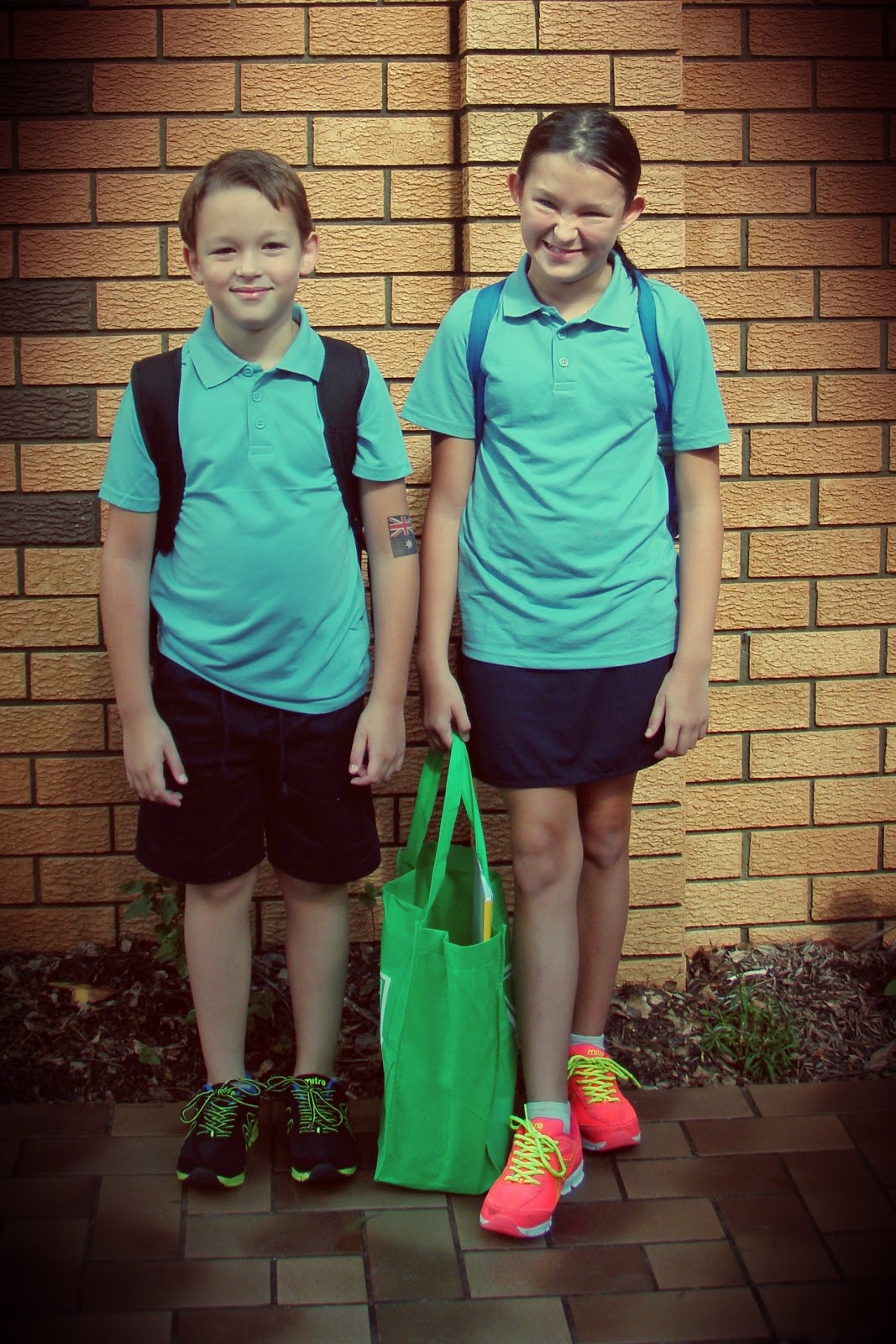
This was the first day of school and it was a partially overcast day when I took the pic so I wanted to warm it up a bit.
Because I took the photo with my point and shoot camera I first dropped the pic into my Dropbox folder.
Photos added to Dropbox
 
I then opened my chosen photo in Pixlromatic.
 
I chose the effect Adrian
 
and then chose the overlay Redone
 
finally I saved it out to my camera roll
 
and thats it! Because I have Dropbox my pics automatically transfer back to my PC ready to be printed.
 
 
The possibilities are endless with the photo editing apps that are available!
Hope you are having a great day and happy editing!


01 09 10