Showing posts with label iPhone. Show all posts

Monday, September 29, 2014

Collect App

I have made two more videos on how I use the Collect app and how I print my Collect photos.


If you missed my first video here it is


If you have any questions feel free to leave them below or on my You Tube channel.
I hope you are having a crafty day wherever you are
Deb

Project Life App

It took me a little bit to finally purchase The Project Life App. I honestly thought I didn't need it. Boy I was wrong. 
I absolutely love this app! I've been having fun playing with it and mixing it up with other apps, mainly RD Magic and Rhonna Designs. 
I know for sure now that my whole 2015 PL will be created in this app, which will give me a chance to catch up (traditionally and using the app also) on my this years album (which won't be finished when the year comes to a close) and also finish my 2012 and 2013 albums.
So here is the page I created over the weekend, it took me 5 mins to put together the page and approx. 10-15 mins to do the pretty stuff in other apps.

As I mentioned I used RD Magic and the Rhonna Designs app to jazz my page up a bit and I just love how it came out. I also love that I'm able to use my Collect photos in the Project Life app.

So as its school holidays I won't be doing much traditional crafting as I would like but I will be playing some more within this app and will create a few videos on how I'm using it and how I plan to print my spreads out and do a cross of digital and hybrid in my album next year.

Until next time, I hope you are having a crafty day
Deb

Tuesday, March 5, 2013

Photo Editing with Apps

I love using my iPad (and iPhone) to make fun edits on my photos so I thought I'd share a quick tutorial on an edit I recently did. This one is super simple.
Apps needed:
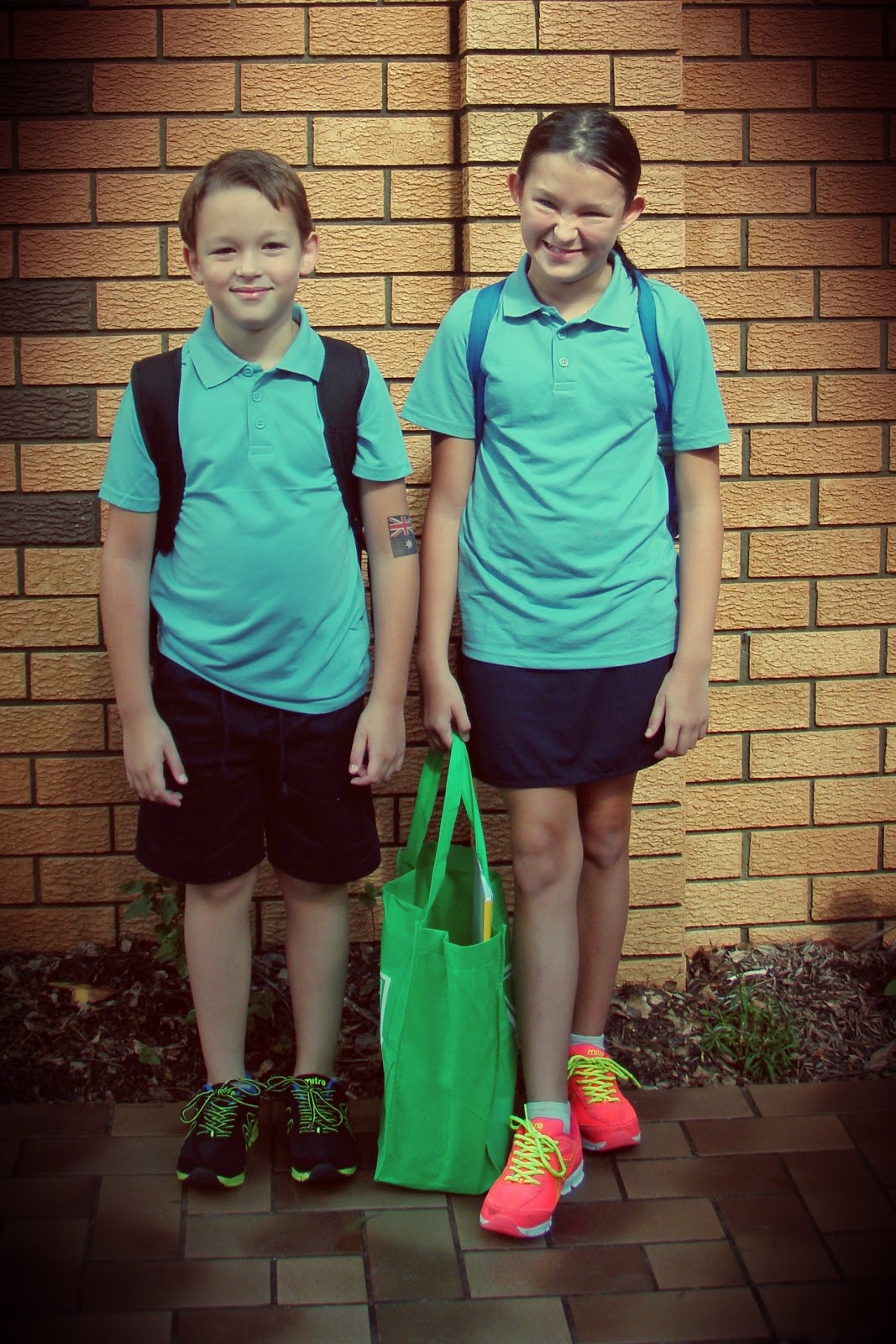
This was the first day of school and it was a partially overcast day when I took the pic so I wanted to warm it up a bit.
Because I took the photo with my point and shoot camera I first dropped the pic into my Dropbox folder.
Photos added to Dropbox
 
I then opened my chosen photo in Pixlromatic.
 
I chose the effect Adrian
 
and then chose the overlay Redone
 
finally I saved it out to my camera roll
 
and thats it! Because I have Dropbox my pics automatically transfer back to my PC ready to be printed.
 
 
The possibilities are endless with the photo editing apps that are available!
Hope you are having a great day and happy editing!


01 09 10