Showing posts with label photo editing. Show all posts

Monday, September 29, 2014

Collect App

I have made two more videos on how I use the Collect app and how I print my Collect photos.


If you missed my first video here it is


If you have any questions feel free to leave them below or on my You Tube channel.
I hope you are having a crafty day wherever you are
Deb

Monday, April 21, 2014

Creating Polaroid Photos in the Collect App

I got a request on my You Tube Channel to show how I made my 3x4 polaroid photos for my Project Life. So here is a walk through on my iPad on how I do that.


I will do a follow up video on how I print these out. They make a great addition to Project Life and I hope this video is helpful.

Thanks for stopping by and have a crafty day!
Deb

Tuesday, March 5, 2013

Photo Editing with Apps

I love using my iPad (and iPhone) to make fun edits on my photos so I thought I'd share a quick tutorial on an edit I recently did. This one is super simple.
Apps needed:
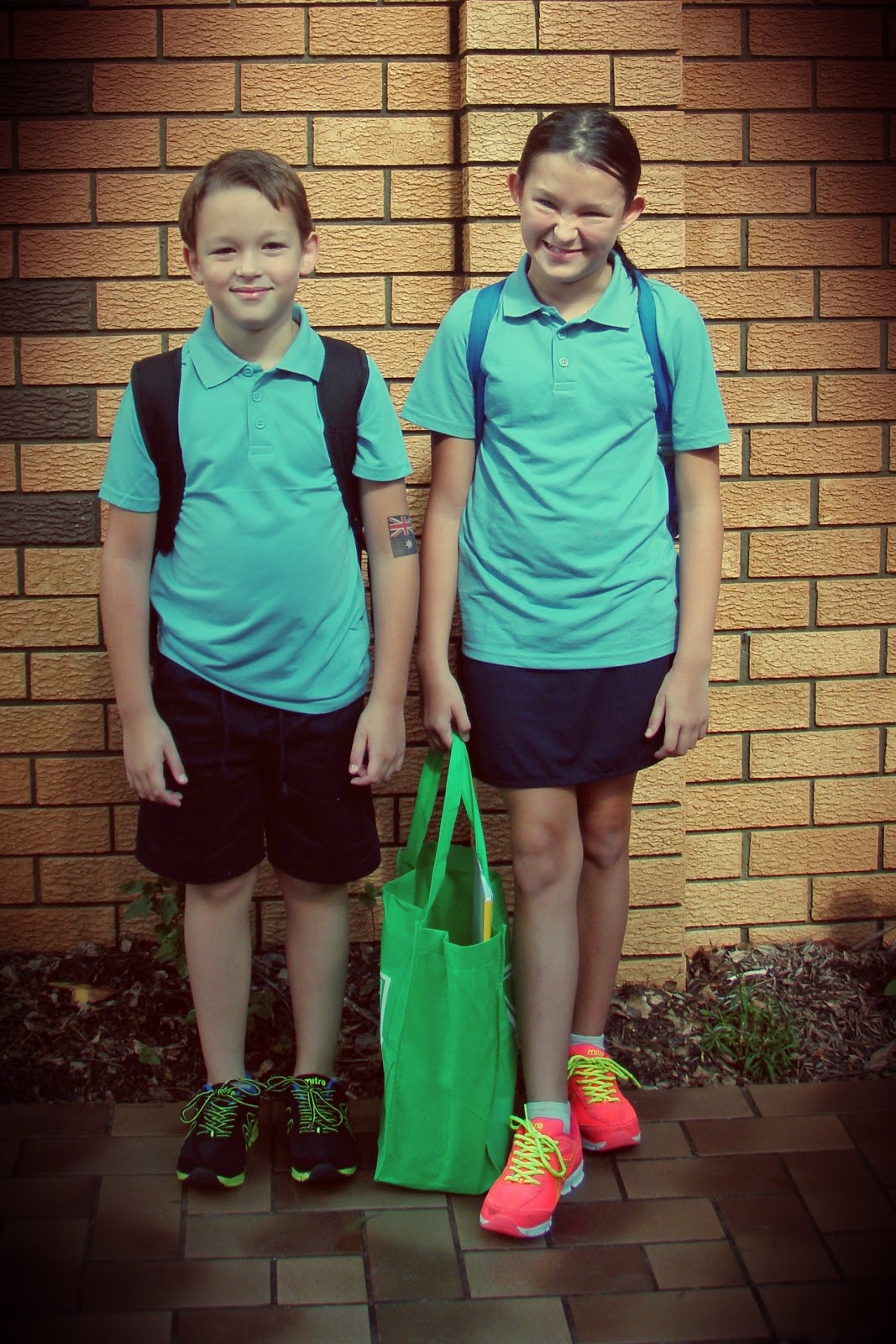
This was the first day of school and it was a partially overcast day when I took the pic so I wanted to warm it up a bit.
Because I took the photo with my point and shoot camera I first dropped the pic into my Dropbox folder.
Photos added to Dropbox
 
I then opened my chosen photo in Pixlromatic.
 
I chose the effect Adrian
 
and then chose the overlay Redone
 
finally I saved it out to my camera roll
 
and thats it! Because I have Dropbox my pics automatically transfer back to my PC ready to be printed.
 
 
The possibilities are endless with the photo editing apps that are available!
Hope you are having a great day and happy editing!


01 09 10